Step 1 - Open sharkexchange.in on your web page
Step 2 -Register yourself for creating an account by entering your email address and password or by using Google's social login.
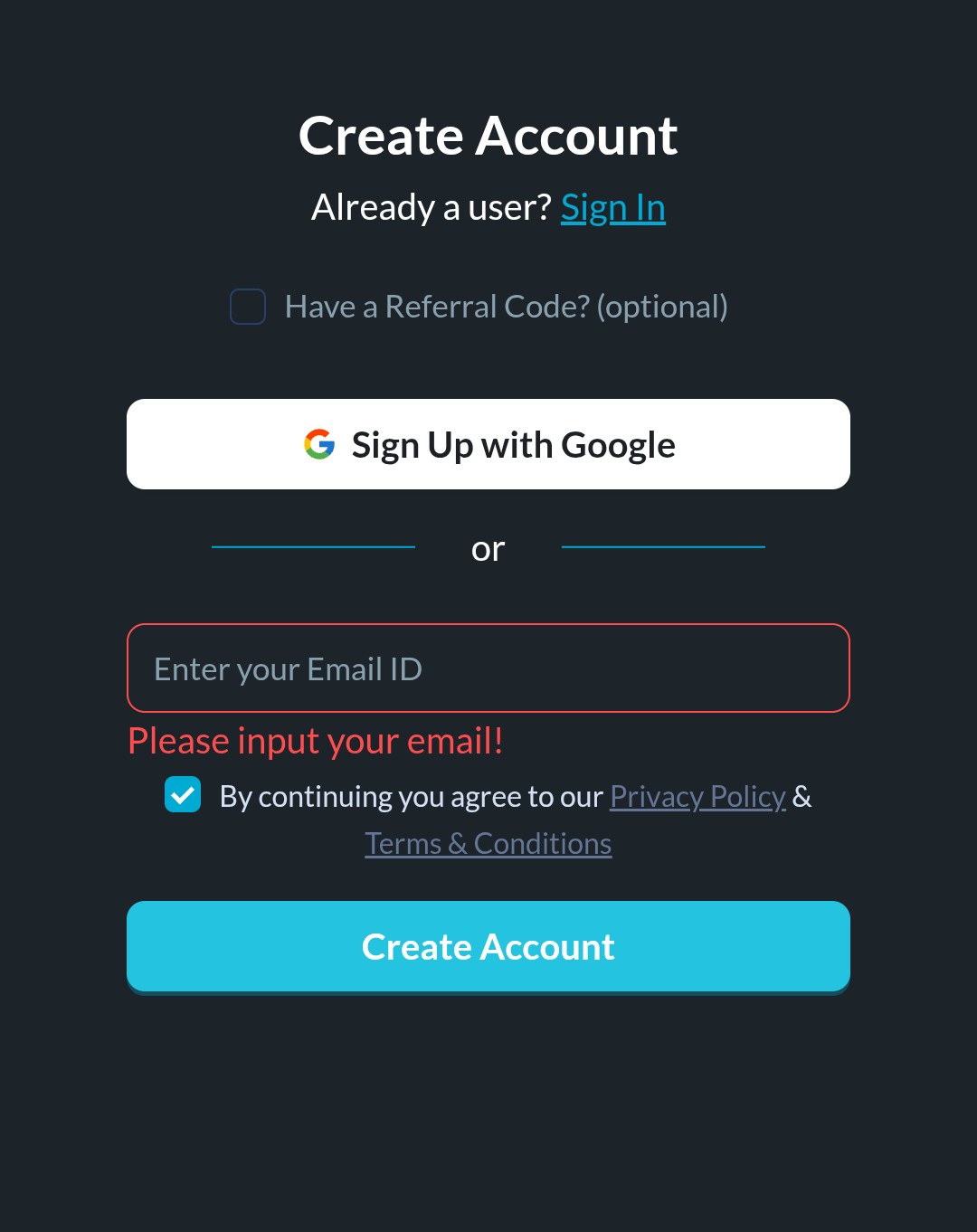
Step 3 - Once you click the "create account" button, you have to enter the verification code that will be sent to the given email address.
Step 4 - After completing the email verification, you must also verify your mobile number in the same method.
Was this article helpful?
That’s Great!
Thank you for your feedback
Sorry! We couldn't be helpful
Thank you for your feedback
Feedback sent
We appreciate your effort and will try to fix the article