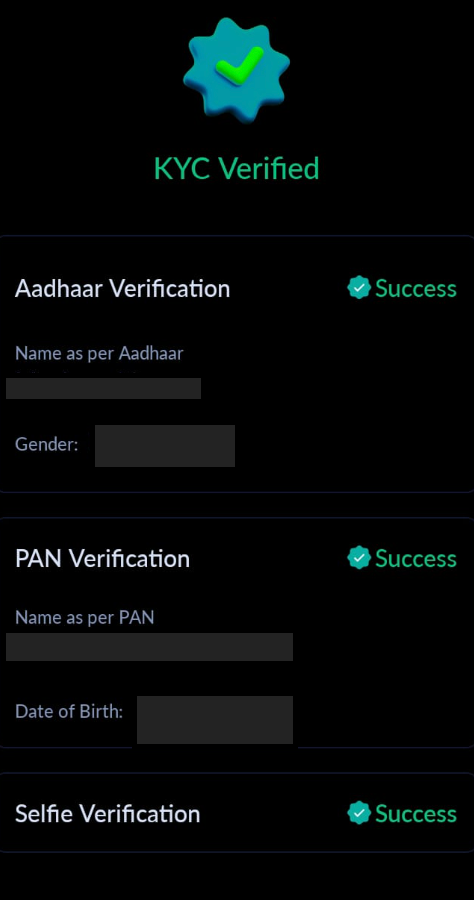
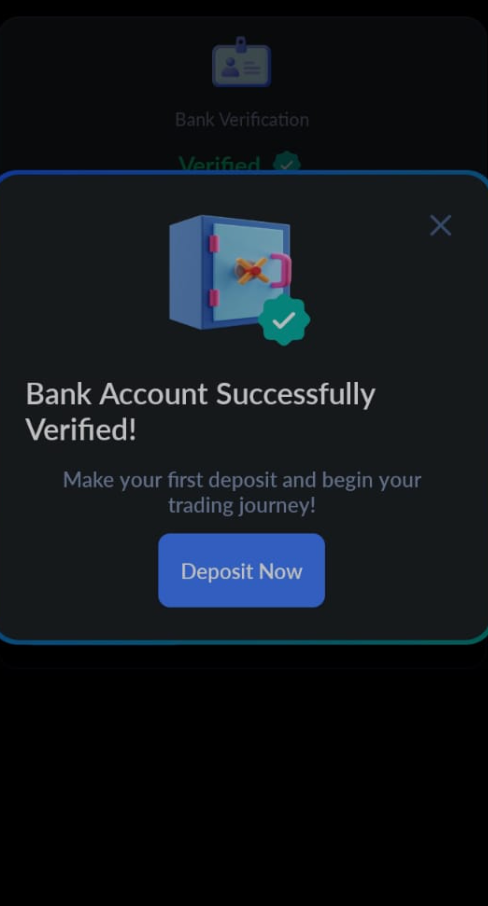
Step 1: Getting Started: Before you start, ensure you've completed your KYC (Know Your Customer) and bank verification with Shark Exchange. This is crucial for a smooth and secure transaction process.
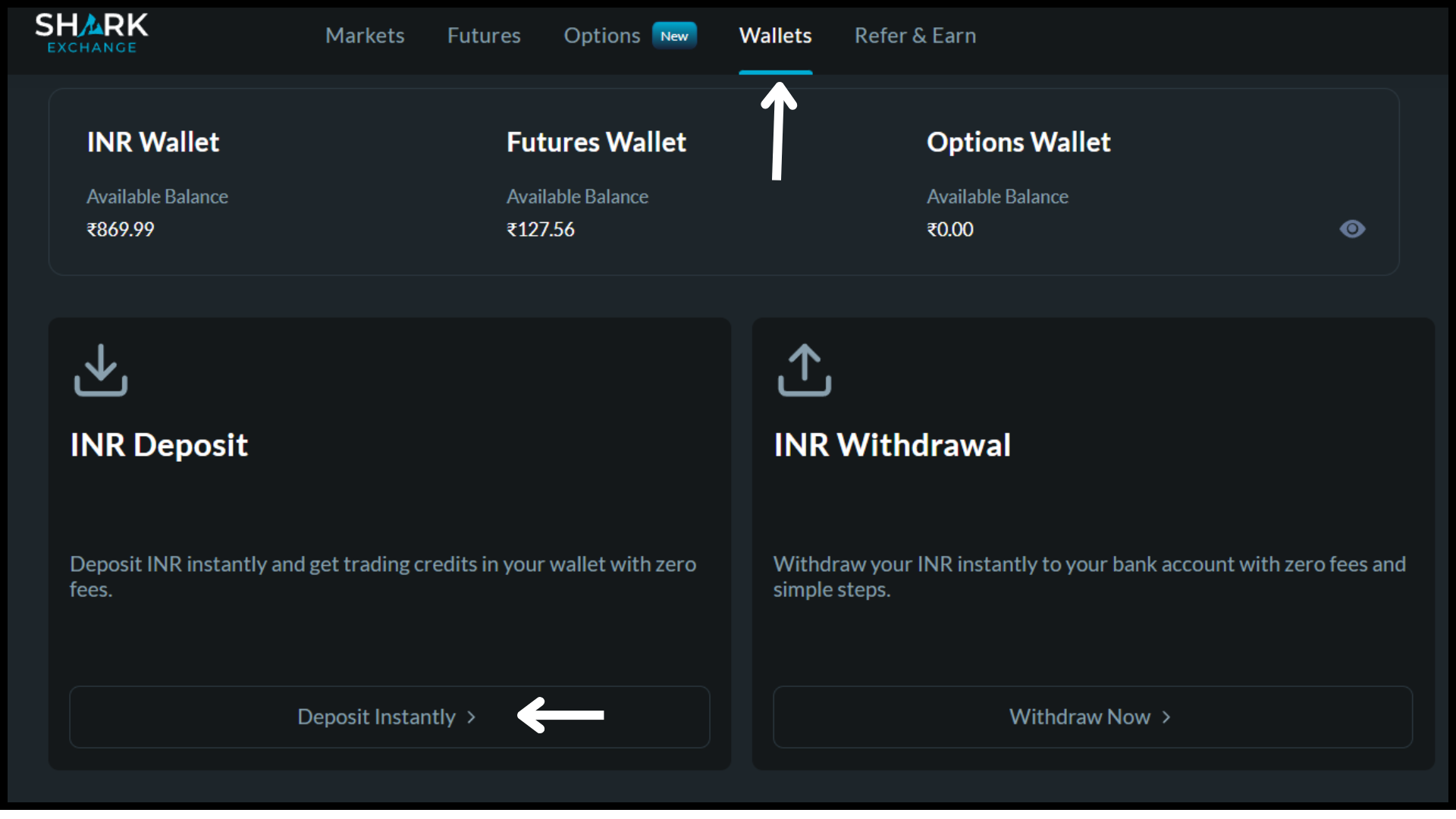
Step 2: Initiating Deposit : Open the Shark Exchange app and navigate to the 'Wallets' page. Click on ' INR "INR wallet" followed by "INR Deposit" to start the deposit process
Step 3: Selecting Payment Method: You will see two payment options: Choose 'Instant Bank Transfer' for a quick transaction.
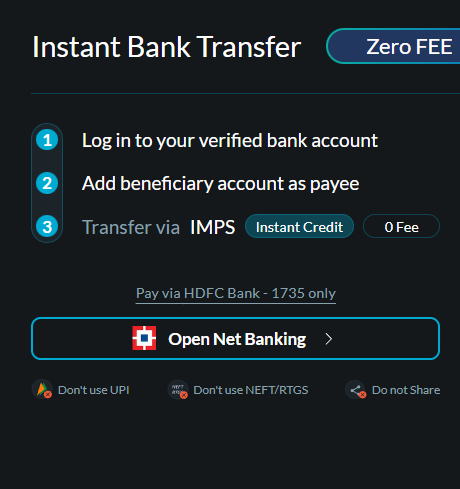
Step 4: Understanding Instant Bank Transfer With Instant Bank Transfer: A nominal fee of 0.1% per transaction is applied. Only IMPS is supported (avoid RTGS, NEFT, or UPI to prevent issues).
The minimum deposit is Rs. 500. Transactions are processed in less than 2 minutes.
Step 5: "Virtual Account Details" In the 'TO' section: You'll see your unique virtual account details, including the bank name (Indian Bank Virtual Bank) and your unique virtual account number.
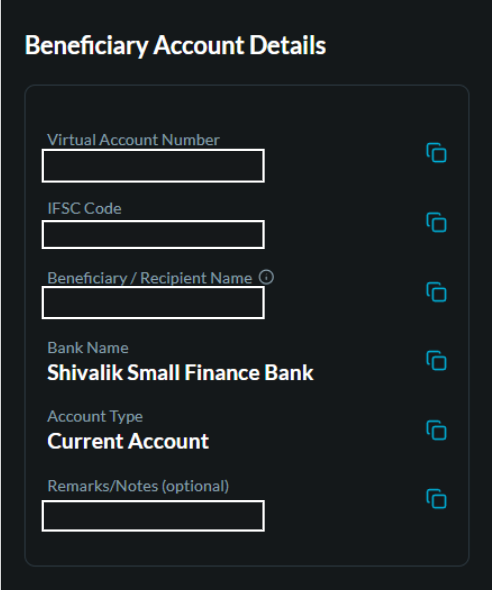
Step 6: Adding Beneficiary in Banking App: Copy these details and add them as a beneficiary in your banking app. Once your bank authorises it, you are ready for the transfer.
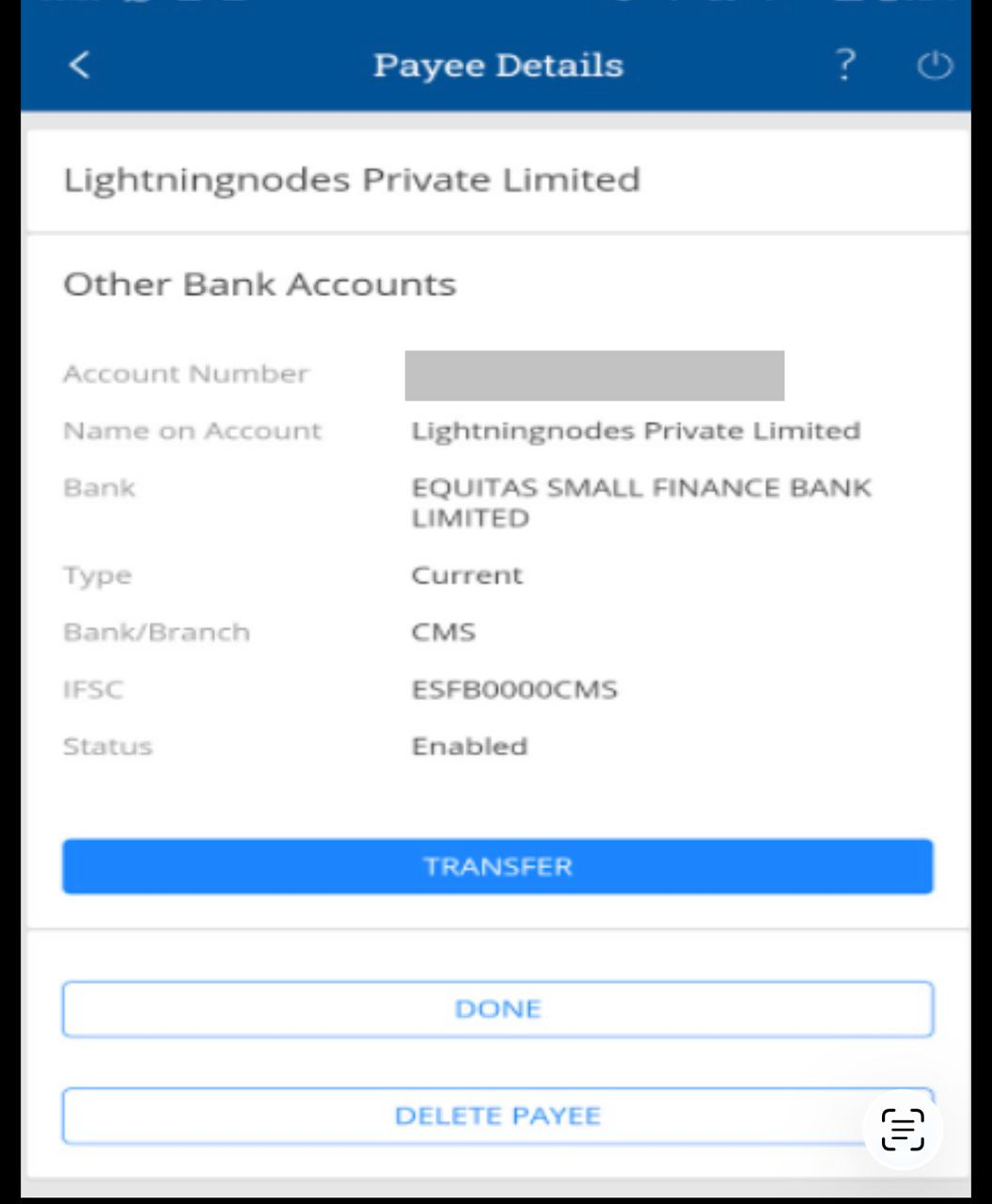
Step 7: Completing the Deposit: Transfer the money using the details provided. The amount will reflect in your Shark Exchange wallet within 1-2 minutes, almost instantly.
Step 8: Enjoy the Benefits : Instant Bank Transfer on Shark Exchange offers: Elimination of manual checks and reconciliations.
A smooth, swift transaction handled by your banking partner.
Conclusion: Your Finance, Simplified
Thank you for choosing Shark Exchange. With our Instant Bank Deposit feature, managing your finances is now more effortless than ever. Enjoy the quick, secure, and convenient way to handle your transactions today!
Was this article helpful?
That’s Great!
Thank you for your feedback
Sorry! We couldn't be helpful
Thank you for your feedback
Feedback sent
We appreciate your effort and will try to fix the article