Step 1: Go to Shark Exchange platform and Login with your registered details
Step 2: Go to "My Profile" section
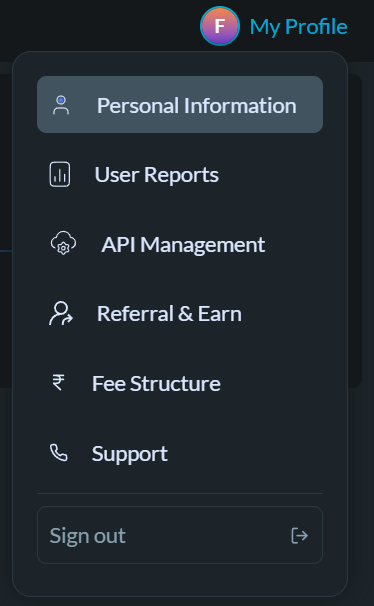
Step 3: Click on "Bank Details." Click on Unlink Bank

Option Note: Ensure that the same bank cannot be added more than once.
Step 4: You can add the updated bank details with accurate information. Once the penny drop is confirmed, your new bank details will be successfully updated.
Was this article helpful?
That’s Great!
Thank you for your feedback
Sorry! We couldn't be helpful
Thank you for your feedback
Feedback sent
We appreciate your effort and will try to fix the article