Step 1: Log in to the sharkexchange.in
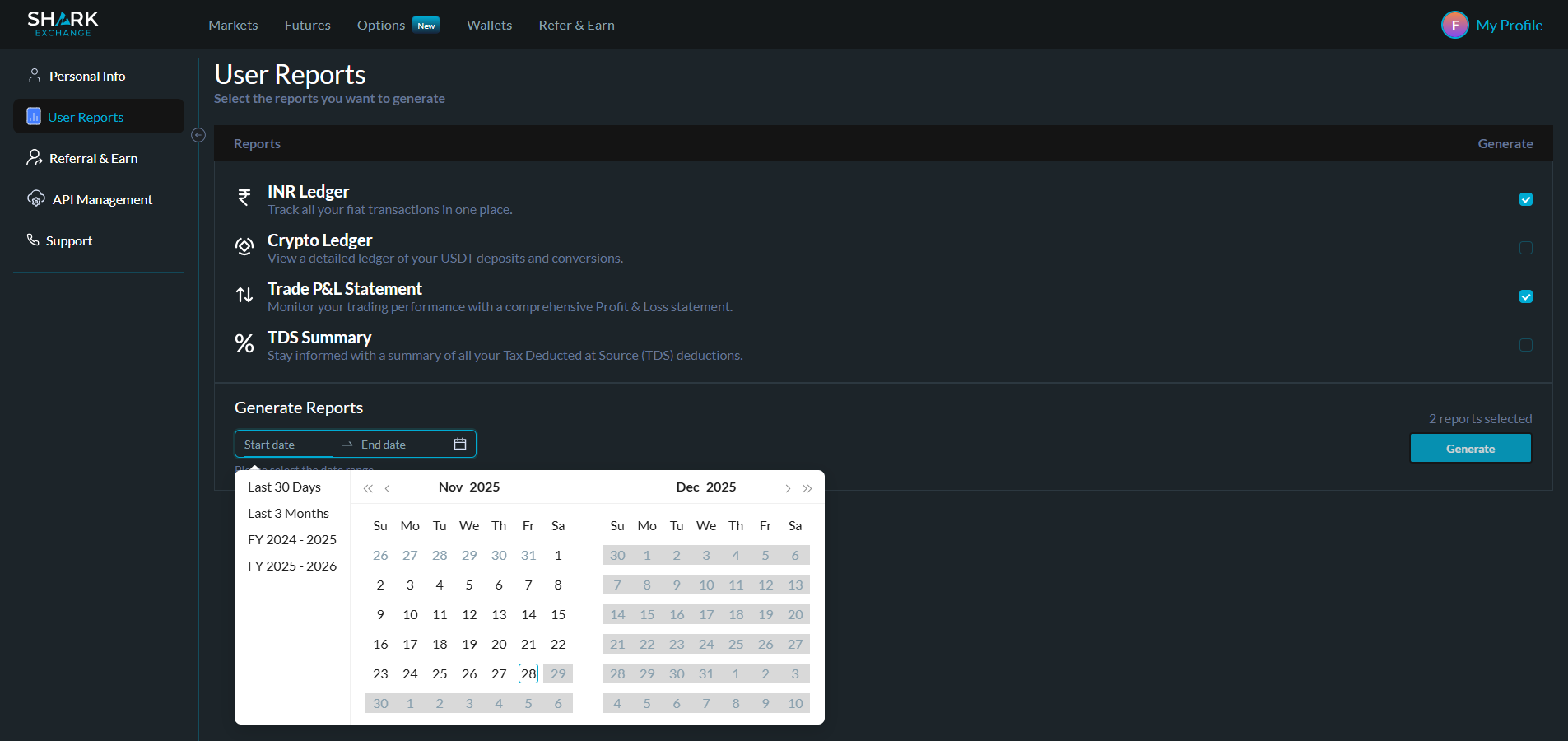
Step 2: Navigate to " My Profile." Under the "My Activities" tab, select "User Reports."

Step 3: Choose the desired report and click "Generate Report."
Step 4: Your report will be sent to your registered email address within 48 hours.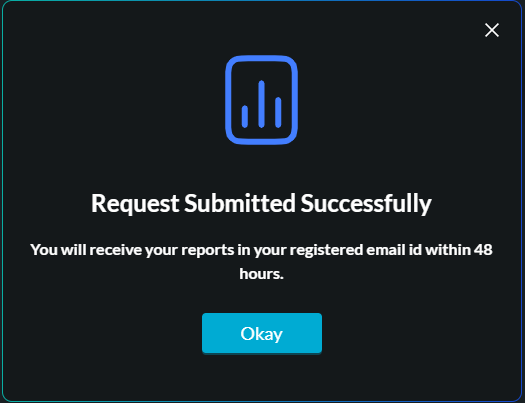
This enhancement aims to provide you with greater transparency and insights into your trading activities.
Was this article helpful?
That’s Great!
Thank you for your feedback
Sorry! We couldn't be helpful
Thank you for your feedback
Feedback sent
We appreciate your effort and will try to fix the article